
What does that mean?
It means that you can have multiple Jockie Music bots (up to 4 for free and up to 23 extra with premium) on your server at once — all playing music in different channels. Cool, right?
Why would I want to have multiple music bots in my server?
A lot of big servers struggle with having multiple different music bots all with different prefixes and commands.
Jockie Music solves this problem by having multiple bots all with the same prefix, configuration, and commands — making it easier for you, your server, and your members.
Don’t have a big server or don’t need more than one music bot? No problem! You only need to use one of the bots — they all come feature-packed like no other.
Jockie Music truly brings a new experience to the Discord music bot world!
Supported sites
- Spotify
- Tidal
- Deezer
- Apple Music
- Direct HTTP support
- Discord attachments
- Radio (Search and play from 37,000+ radio stations around the globe)
- SoundCloud
- Vimeo
- Bandcamp
- Mixcloud
You can get more information about each source on our FAQ page.
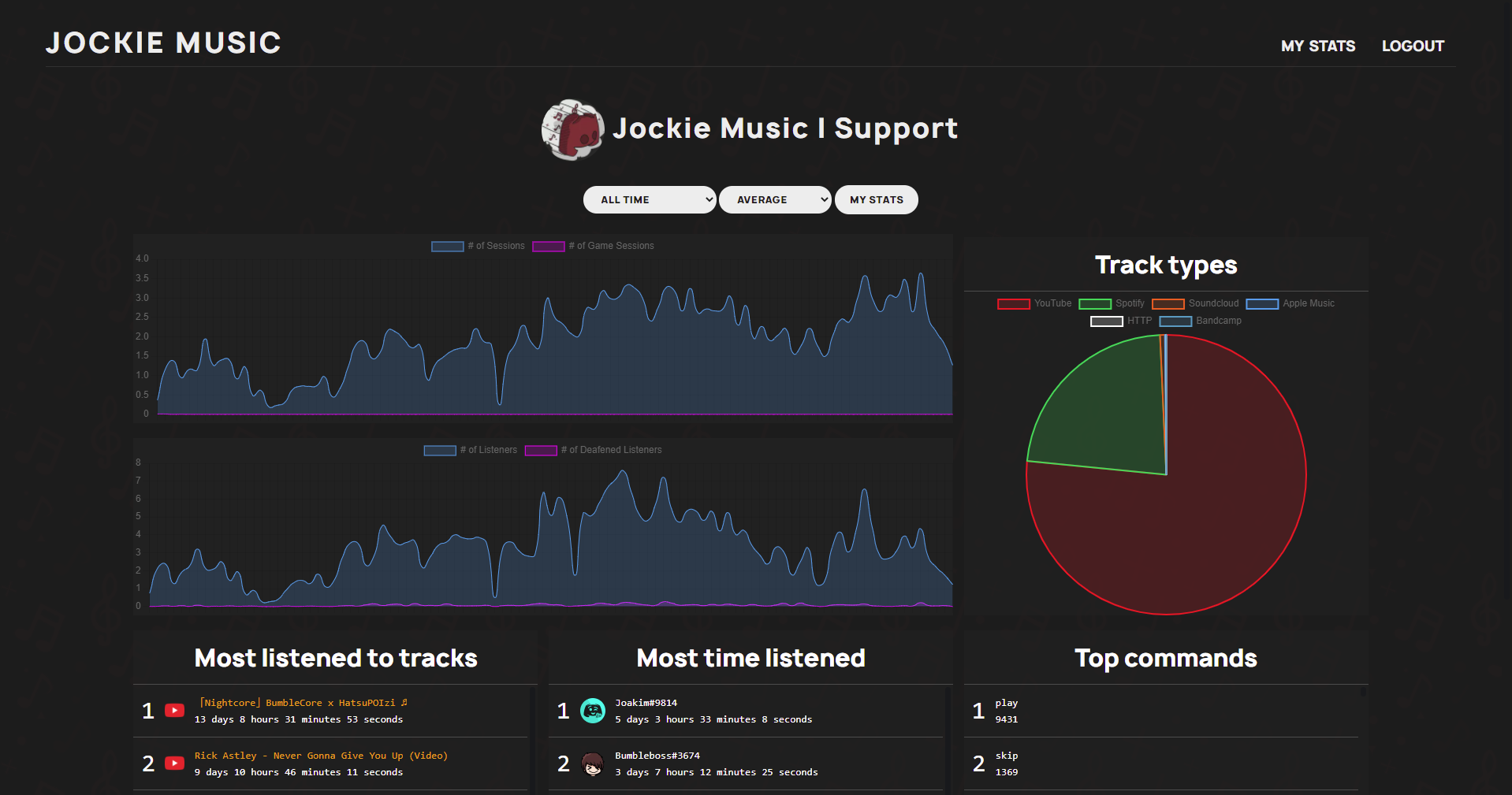
Usage statistics on our Dashboard
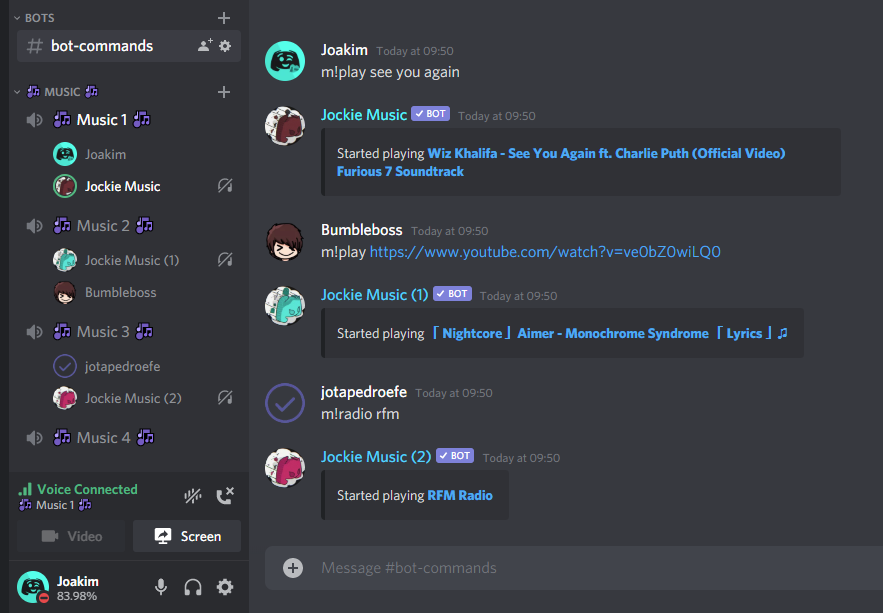
It just works — same prefix, no hassle
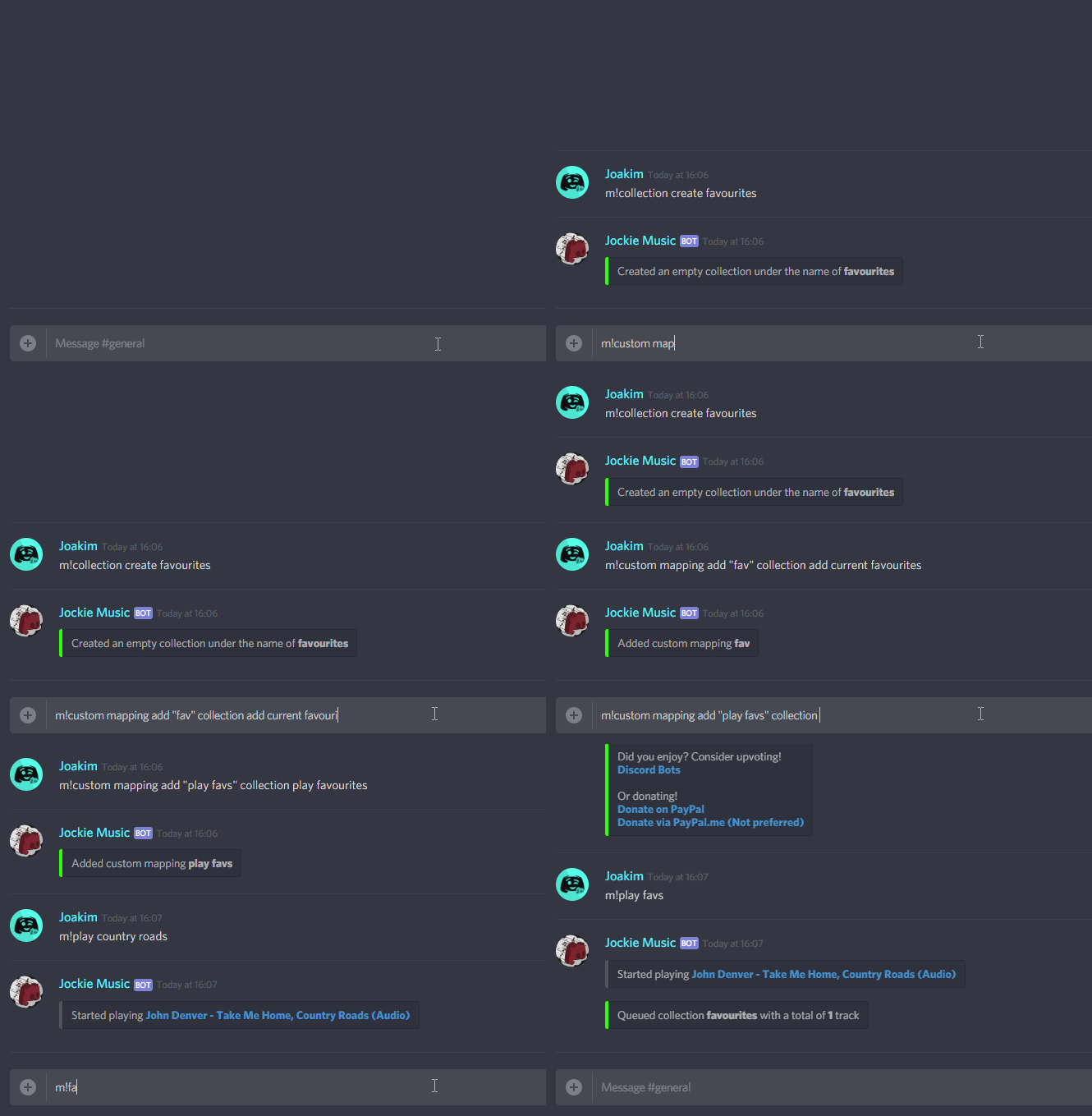
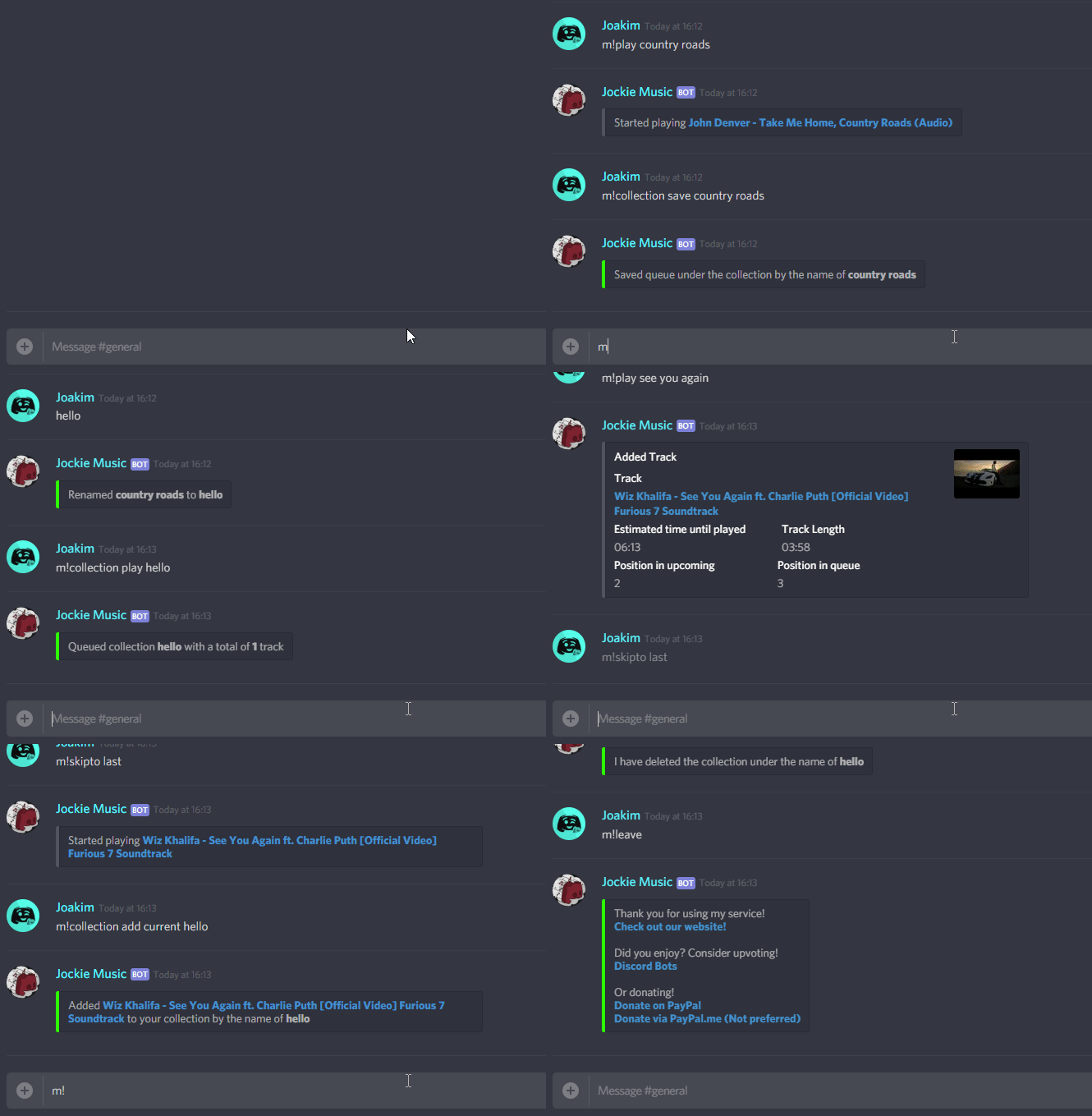
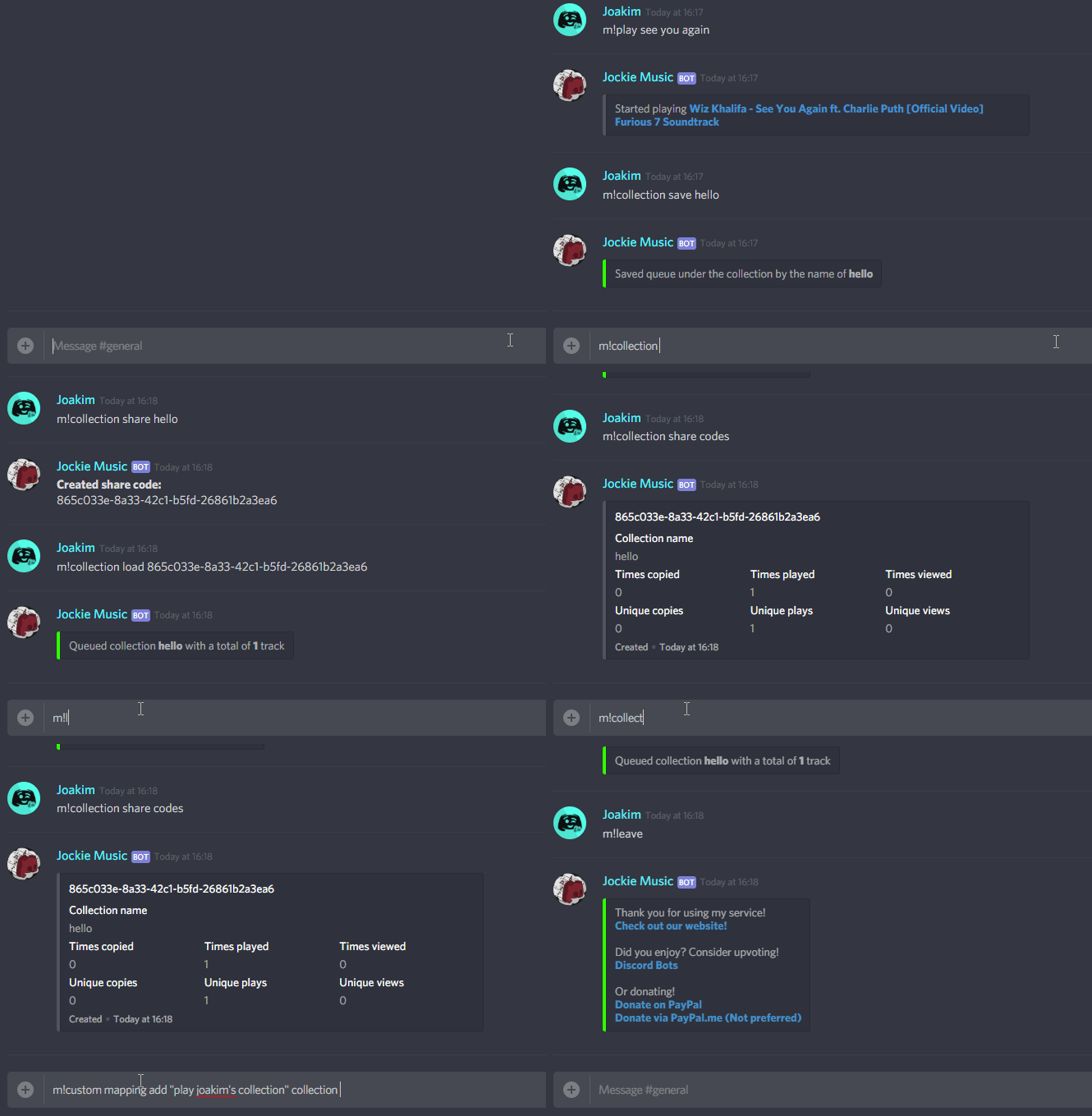
Example of some cool collection (playlist) features
Custom Favourite Command
Guess the Song
Play a guess the song game with your friends!
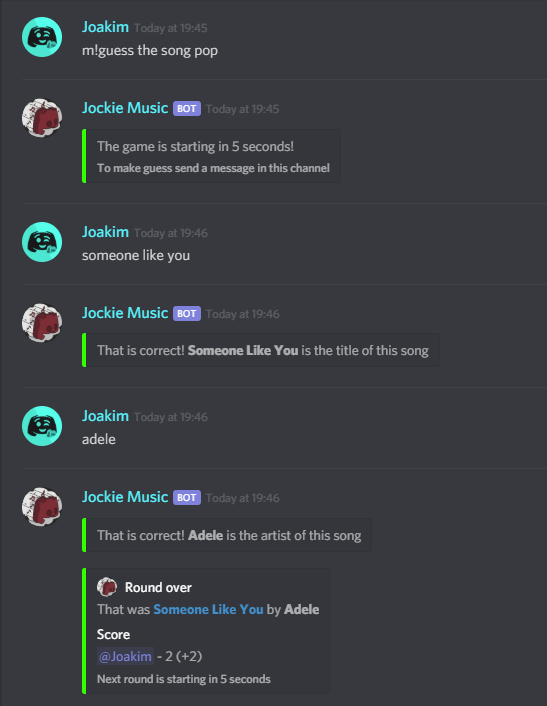
The concept is simple
One server, multiple bots, one prefix
Our goal
To give everyone a good and reliable music bot.
Support the project
Use the m!donate command.
How would I go about adding these bots?
Simply invite the bot and use the m!invite command if you need more bots.
Do I have to add all the bots?
No! You can invite any combination of the four bots — they all work independently.
Still not convinced?
Come join our support server and try it out!



