Summary Bot Discord Bot Logo

Summary Discord Bot

0

Summary Bot offers summary commands for channels. Add Summary Bot to your server and enjoy a private Discord Bot experience with catch-up recaps.

0 upvotes in August

Summary Discord Bot Described:

Catch up on what you missed. /catchup turns any channel you can read into a short, private summary with a jump link back to every source message. Ask follow-ups or get recaps on a schedule.
Catch up on what you missed.

Summary Bot turns the Discord conversations you can already read into short, private summaries—with a jump link back to every source. Add it, run /catchup, and get the important parts without digging through the unread pile.
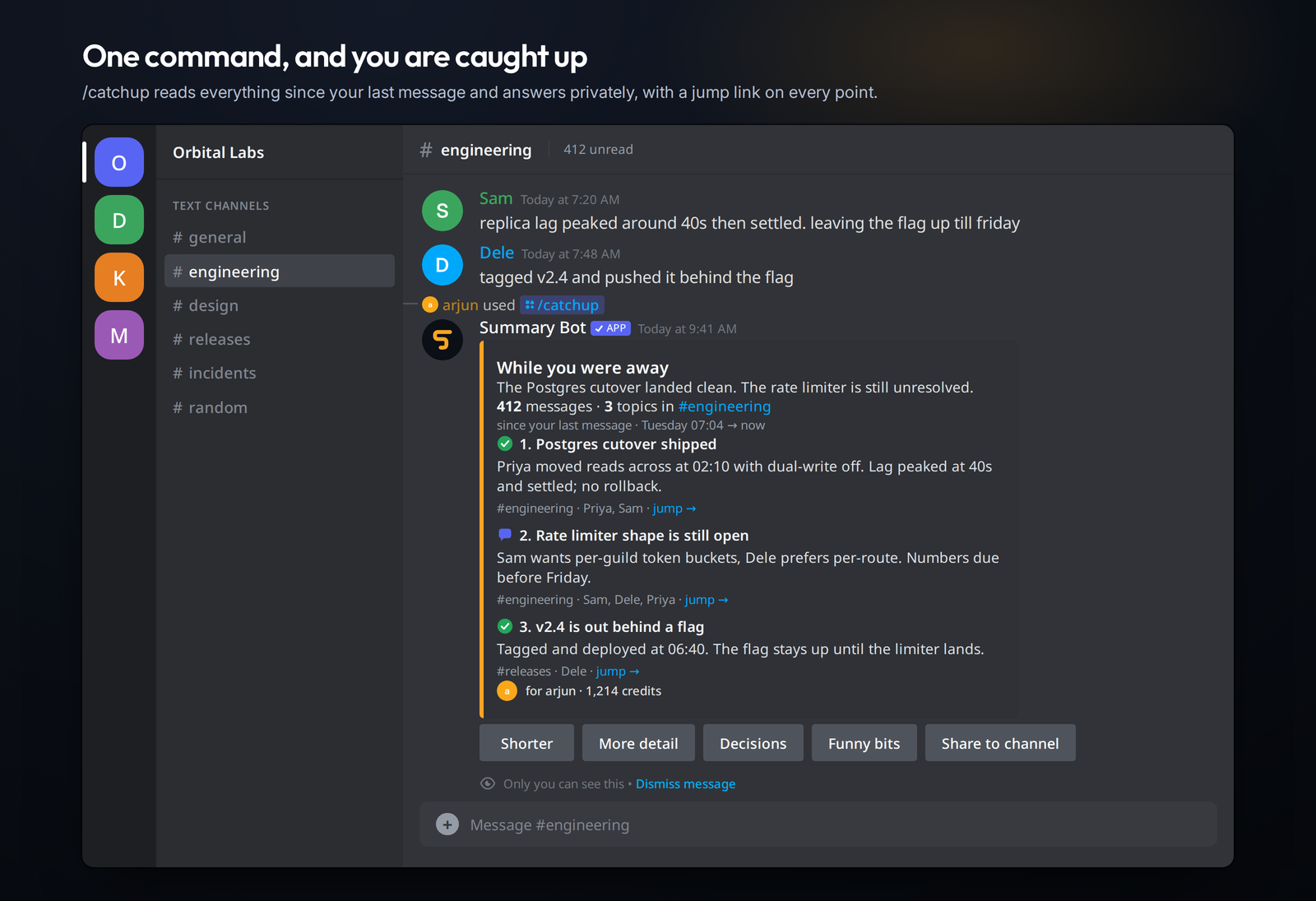
A Summary Bot catch-up turns 412 unread messages into three linked topics.

Start wherever you are

/catchup starts from the last time you spoke, so the summary is about what you missed. When it’s done, use the buttons to make it shorter, add detail, pull out decisions, keep only the funny bits, ask a follow-up, or share it.

No command needed? Right-click any message and choose Apps → Catch up from here to summarize from that exact point.
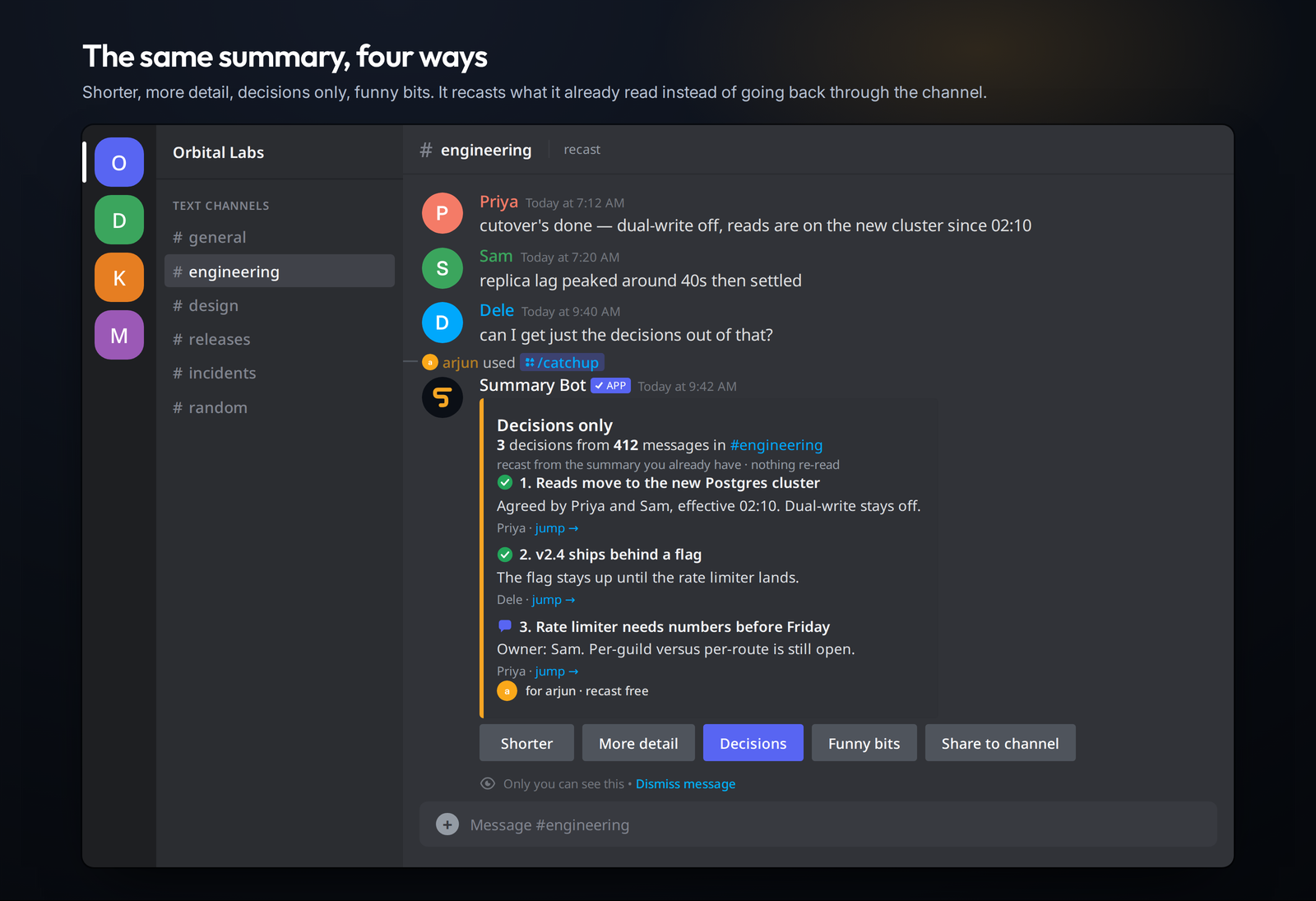
The same conversation recast to show only the decisions.

Ask it to keep going

Mention @Summary Bot and it opens a thread you can watch. Ask a question, give it a job in plain language, and see what it reads and searches as it works. Anything that would post, edit, or delete waits for your confirmation.

/schedule sends a recap automatically—daily or weekly, privately to your DMs or publicly to a channel. Admins can also enable welcome summaries, giving new members a useful DM about recent discussion using only channels they can already access.
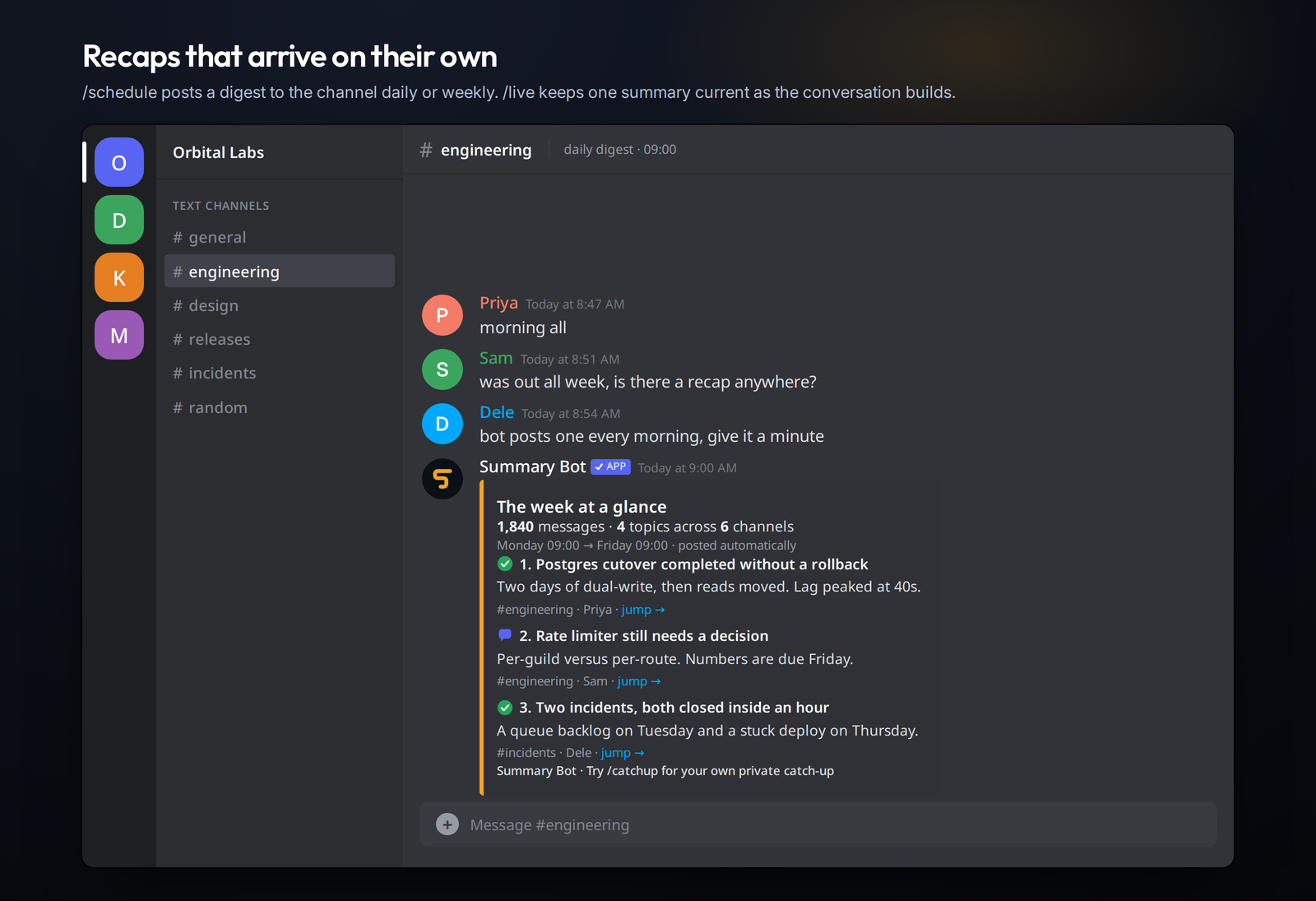
A weekly Summary Bot digest delivered automatically in Discord.

Know what you need—and what you have

/usage is the one place to see your plan, credits left, safeguards, recent activity, renewal date, and anything you’ve bought or claimed that is ready to redeem.

/recommend measures how active your server really is and tells you which plan fits. It’s free, costs no credits, and reads no message content.
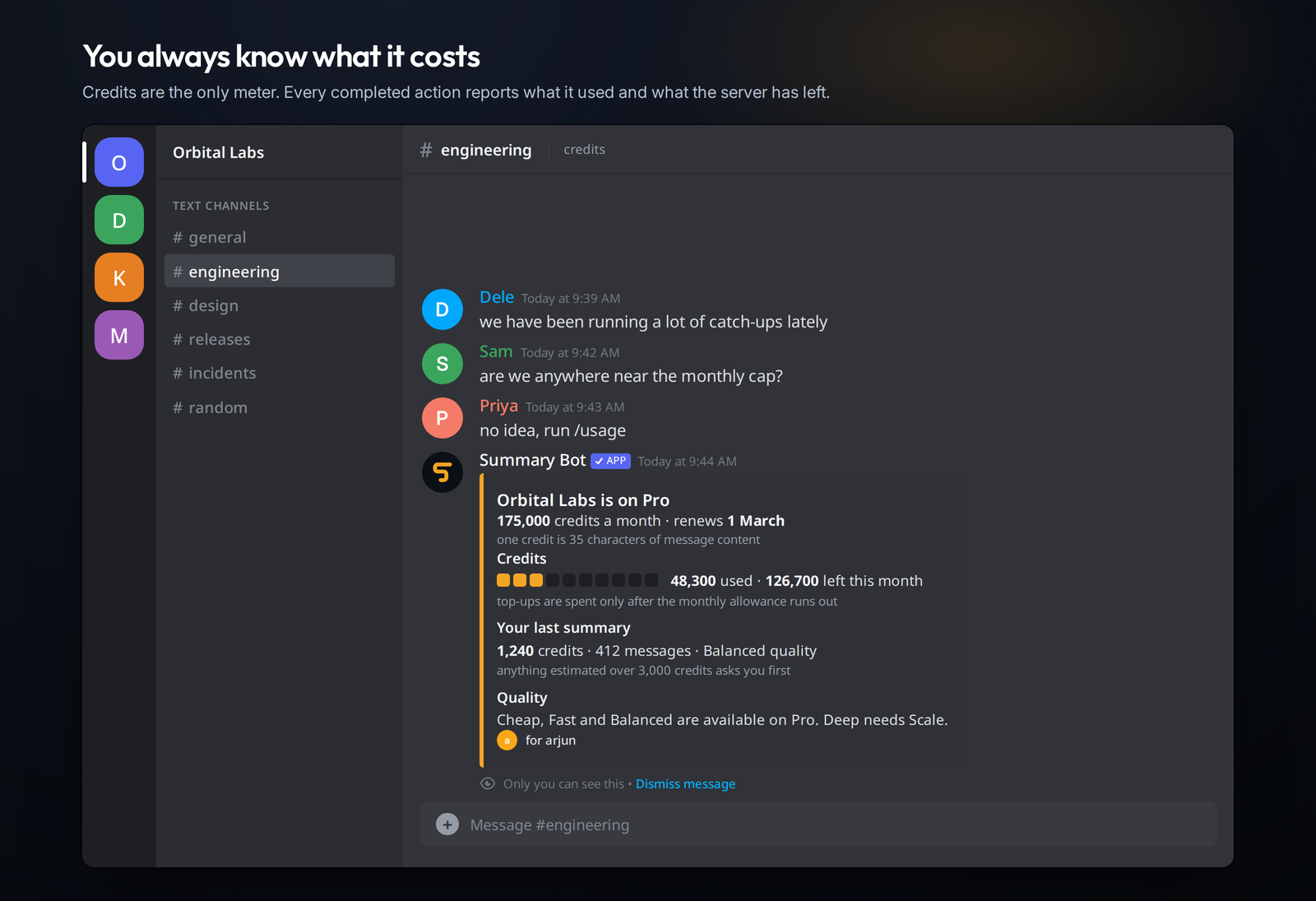
A clear breakdown of credits used, credits left, and the next reset.

Your messages are processed for the request and then discarded—Summary Bot does not store transcripts. Every read is checked against your own Discord permissions, so it cannot summarize a channel you cannot open.

Free to try. No API key, dashboard, or setup command.

Add Summary Bot to Discord · See how it works · Read the privacy details

Check out the home page for the full Discord Bot List.

Frequently Asked Questions

How do I add Summary Discord Bot to my server?

You can add Summary to your Discord server by pressing the "Add Summary Discord Bot" button on this page, then selecting your server and approving the requested permissions.

What is Summary Discord Bot?

Catch up on what you missed. /catchup turns any channel you can read into a short, private summary with a jump link back to every source message. Ask follow-ups or get recaps on a schedule.

How many servers does Summary Discord Bot run on?

Summary is used in 770 Discord servers.

More Discord Bots

Pokétwo Discord Bot Banner
Pokétwo Discord Bot Logo
2,838
1.5M

The Pokémon experience, on Discord. Catch, level, and evolve Pokémon, trade and battle with friends, and more. All free and open source.
Dank Memer Discord Bot Banner
Dank Memer Discord Bot Logo
1,200
8.8M

Meet the largest in-app indie game on Discord. A currency and fishing game for catching creatures, collecting items, robbing your friends, taking care of pets, building skills, and more!

Information

Prefix: @Summary Bot, /
Servers: 770
Users: 611.3K
Created by: arjuns#0
Short link: discord.ly/summary-bot-8907
