
Tired of clunky, outdated ticket bots that clutter your server? SyncInk Ticket is designed from the ground up to provide a truly premium, professional, and visually stunning support experience. We focus heavily on sleek UI, embedded messages, custom animated emojis, and a completely frictionless experience for both your community and your staff team.
Whether you are running a massive community, a roleplay server, or a development studio, SyncInk Ticket adapts perfectly to your needs through our dynamic Web Dashboard.
🚀 Core Features- 🖥️ Dynamic Web Dashboard: Control everything without touching a single Discord command. Customize your embed texts, set up logging channels, and configure staff roles directly from our intuitive Web Dashboard.
- 🛡️ Advanced Anti-Spam Protection: Tired of users opening 10 tickets at once? SyncInk Ticket prevents ticket flooding by strictly limiting open tickets, protecting your staff from malicious trolls.
- ⚡ Ghost Pinging & Clean Channels: Never deal with messy
@mentionsagain. Our smart inactivity reminders and ticket alerts use “Ghost Pinging” to instantly notify your staff and users while keeping the ticket transcript perfectly clean. - 📑 Secure Transcripts & Logging: Every closed ticket automatically generates a secure transcript. Logs are completely hidden from regular members and safely archived in your private staff channels.
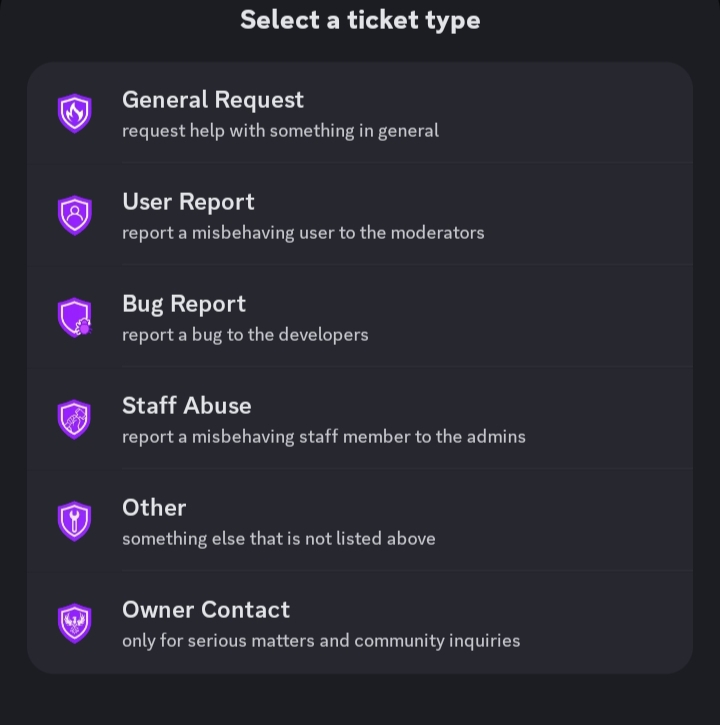
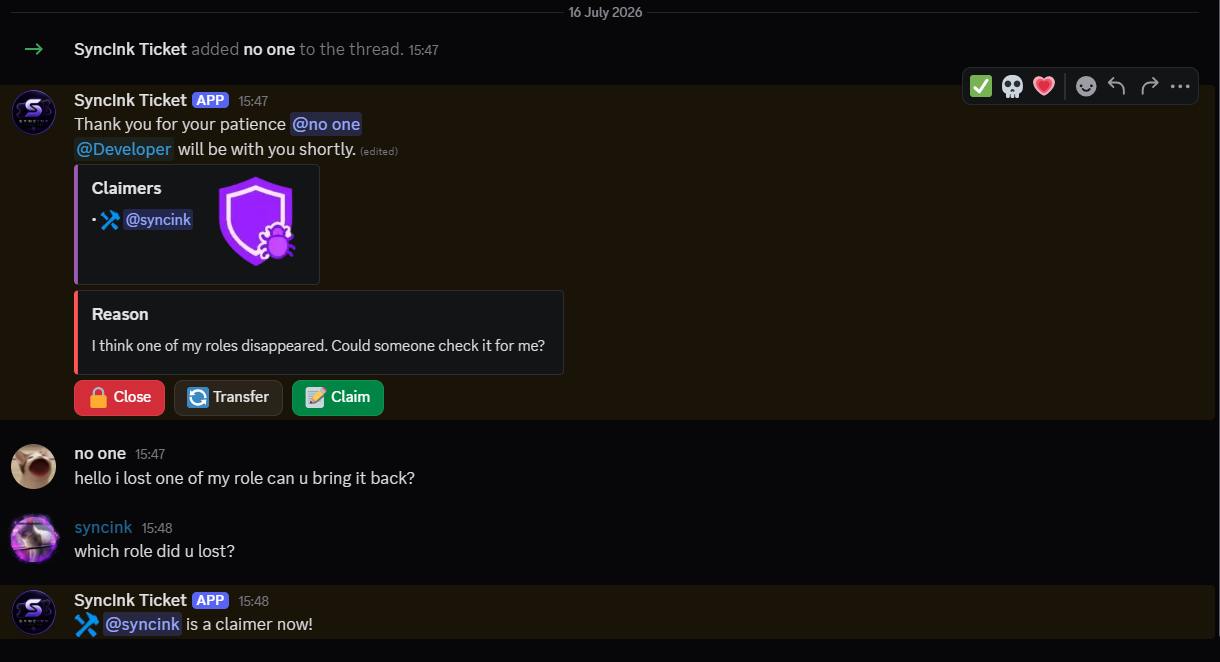
- 🔄 Advanced Ticket Management: Claim tickets, transfer them between departments (Admins, Developers, Owners), and safely close them with built-in accidental-click protections.
📸 See It In Action
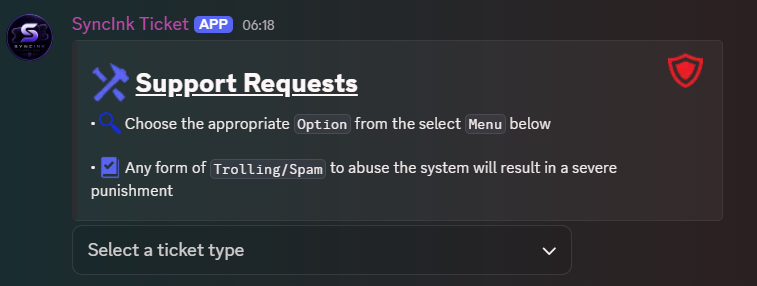
We believe in a beautiful UI. Every interaction with SyncInk Ticket uses custom-styled Discord embeds.
The Welcome Panel
Selecting a Department
Inside a Ticket Thread
🛠️ Bot Commands
SyncInk Ticket uses modern Slash Commands for quick and easy moderation inside active tickets.
/ticket-panel- Spawns the interactive ticket creation panel in the current channel. (Admin Only)/ticket-add @user- Grants a specific user access to an ongoing private ticket./ticket-remove @user- Removes a user’s access from the ticket thread./ticket-rename <name>- Quickly renames the active ticket thread.
🌐 Links
- ⚙️ Configure your server: SyncInk Dashboard



