Discord support, finally organized.
LESS CHAOS. MORE SOLVED TICKETS.
Your community deserves better support.
Stop managing support through scattered DMs and endless Discord channels.
NexCore SupportDesk combines a professional Discord ticket system with customizable forms, team permissions, transcripts, automation and a powerful web dashboard.
💙 FREE TO START · 🌍 MULTILINGUAL · ⚡ EASY SETUP
🚀 Add NexCore to Discord · 🖥️ Open Dashboard
🎫 See Organized Support in Action
Give your members a simple way to request help and your staff the tools to handle every conversation.
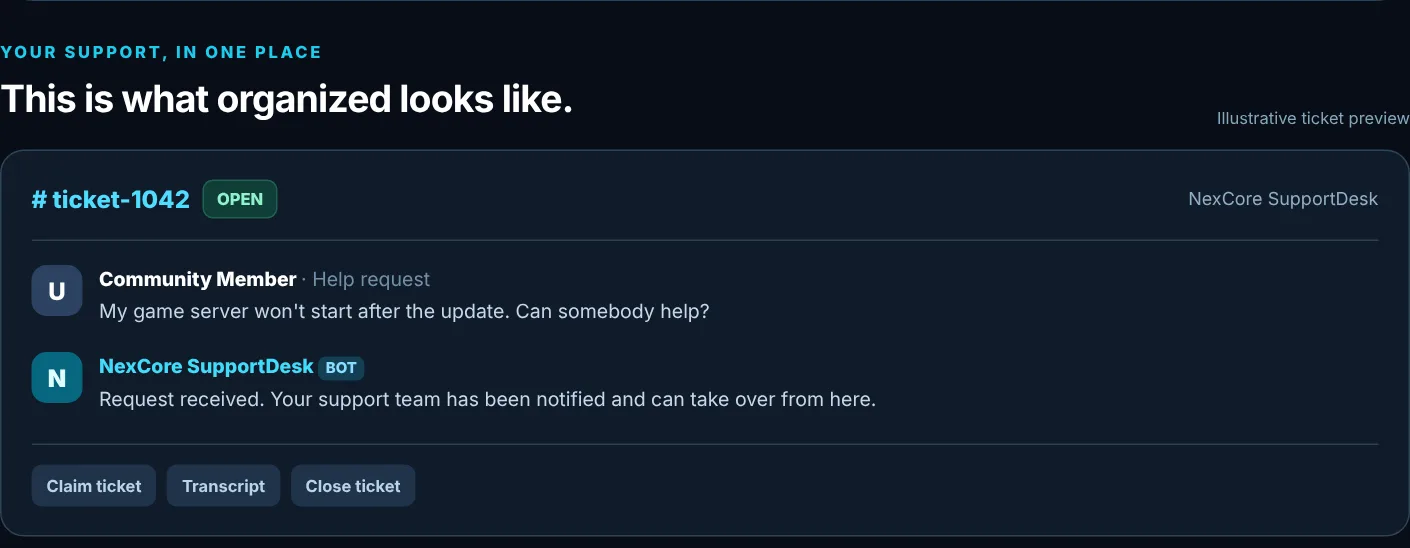
Illustrative example of the NexCore ticket workflow.
🧩 Everything Your Support Team Needs
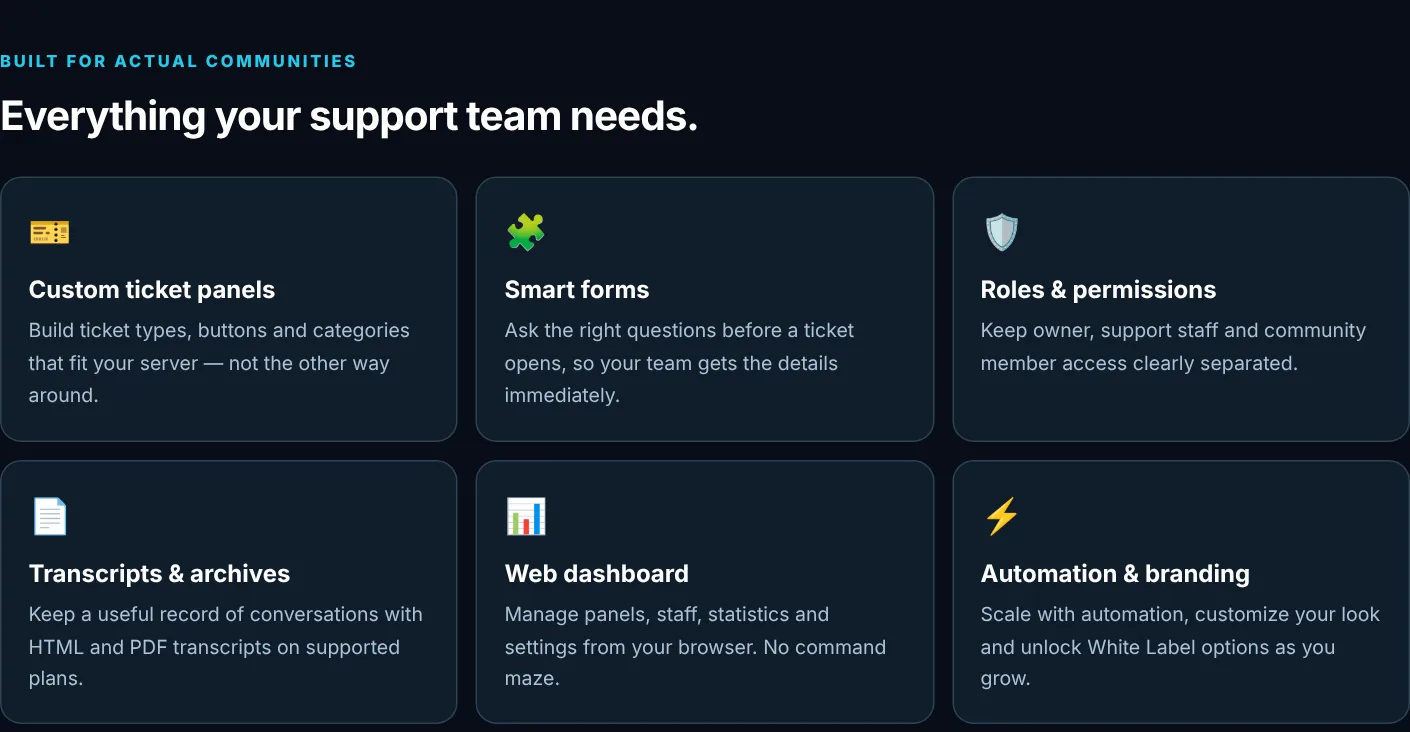
Create professional ticket panels with customizable categories, buttons and ticket types.
📝 Smart FormsCollect important information before tickets are opened.
👥 Roles & PermissionsManage who can view, claim, respond to and close tickets.
📄 Transcripts & ArchivesDocument support conversations with HTML and PDF transcripts, depending on your plan.
📊 Ratings & AnalyticsCollect feedback and monitor your support activities.
⚙️ Automation & BrandingSimplify workflows and customize your support experience with available premium features.
🖥️ Powerful Web Dashboard
No complicated configuration commands required.
Manage ticket panels, forms, support roles, permissions and server settings directly from your browser.
Everything in one central dashboard.
⚡ Get Started in Three Steps

01 — INVITE: Add NexCore SupportDesk to your server.
02 — CONFIGURE: Open the dashboard and customize your support system.
03 — GO LIVE: Publish your ticket panel and start helping your community.
💙 START FREE — €0/MONTH
Free forever. No time limit.
Start with the essential tools and upgrade when your community needs additional features.
NexCore offers optional paid plans with advanced functionality and customization.
🚀 Ready for Better Discord Support?
Your community. Your support. Your control.
NexCore SupportDesk — Discord support, finally organized.